
Start with the mounting space
Look at both ends of the vehicle. Measure the flat mounting area and check any existing recess, mounting points or holder. A size that suits the front may not suit the rear.
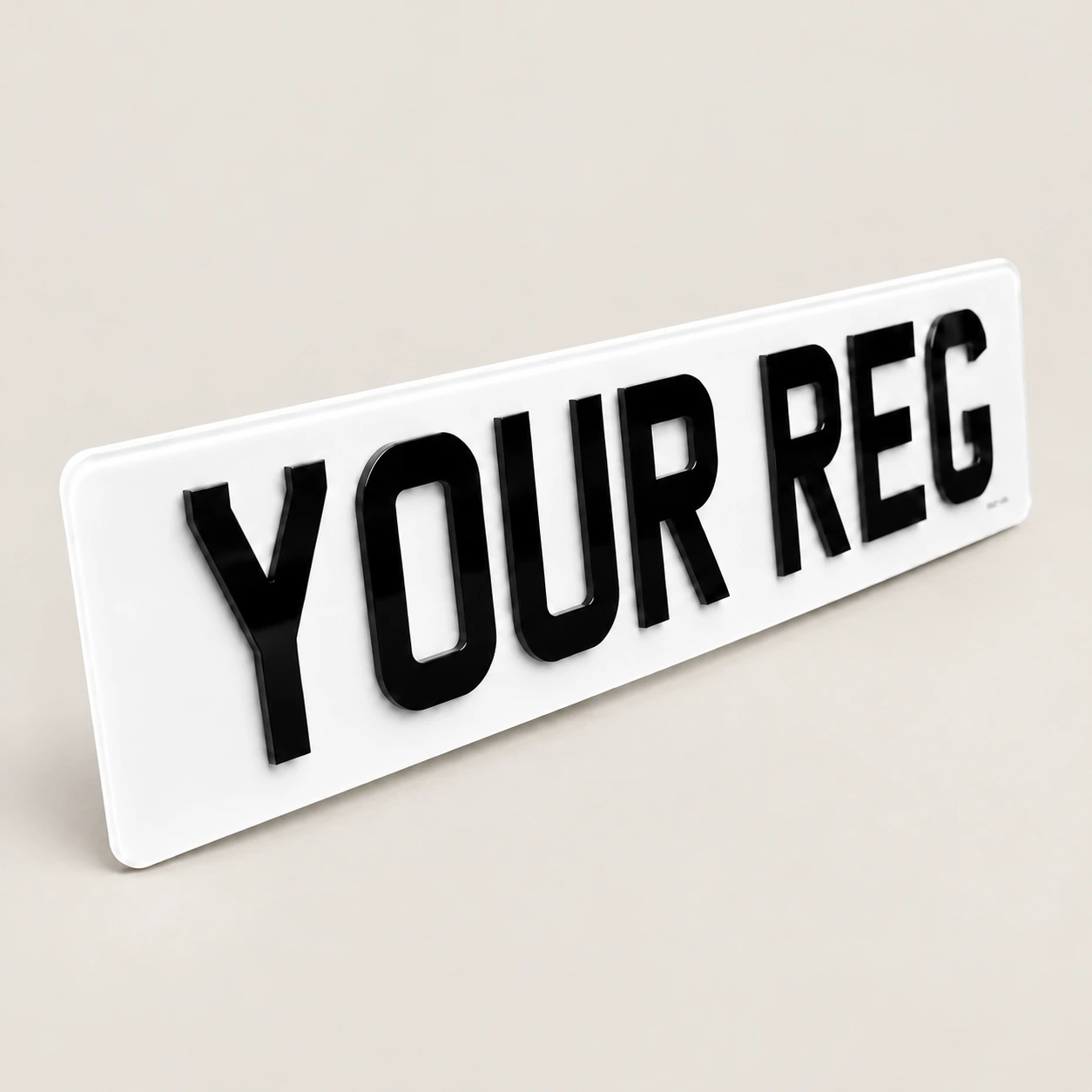
The standard oblong option is 520 × 111mm. Short oblongs and hex shapes give you more choices, while the rear list also includes the Range Rover format. The size guide shows what is available.
Count the characters first
The builder’s short-size limits count letters and numbers, excluding spaces. An 18-inch oblong allows up to seven characters, a 16-inch up to six, and a 14-inch up to five.
Hex sizes have different limits: 20-inch allows seven, 18-inch six, 16-inch five and 14-inch four. A shorter plate still needs to accommodate the registration; if the fit is too tight, choose a larger option.
Use the front and rear controls separately
Select Front & Rear in the builder. In the size step, choose the front size first and then the rear size. Changing one does not mean you have to match the other.
For example, try an 18-inch oblong front with a Standard Oblong rear. Check the labels under both previews and the two size lines in the order summary before saving your design.
Check the finishing details again
A size change can affect which extras are available. Badges are offered on standard oblong car plates and the Range Rover rear option. Plain holders need Standard Oblong at every selected position.
Once the sizes are right, look over the registration, spacing, border and fixings on both plates. A design preview does not replace the checks needed before road-use manufacture.